DIGITAL MARKETING
Four questions to ask before using AI to design a poster
If you type “make a poster for my product”, the AI still has no idea what makes your product worth a look. What does your customer want to know? What do you want them to do after reading the poster? Those answers belong in your prompt.
Start with these four questions
What’s the product? Who’s likely to buy it? Which benefit do you want to highlight? What do you want the customer to do after seeing the poster?
Say you sell lunch sets to people who work near your shop. If they can order ahead and collect their lunch during their break, that’s the benefit the poster should show. If orders come through WhatsApp, include the number and invite them to order there. Your four answers have given the poster a direction.
A prompt you can adapt
Here’s a short example built from those four questions. Upload your product photo and shop logo, then replace each item in [brackets] with the details of your business.
Design a poster for [product name] using the product photo and logo I’ve attached. The poster is for [intended buyer]. Use the headline to highlight [one main benefit]. End with an invitation to [action you want the customer to take] and include [relevant phone number, link or location].
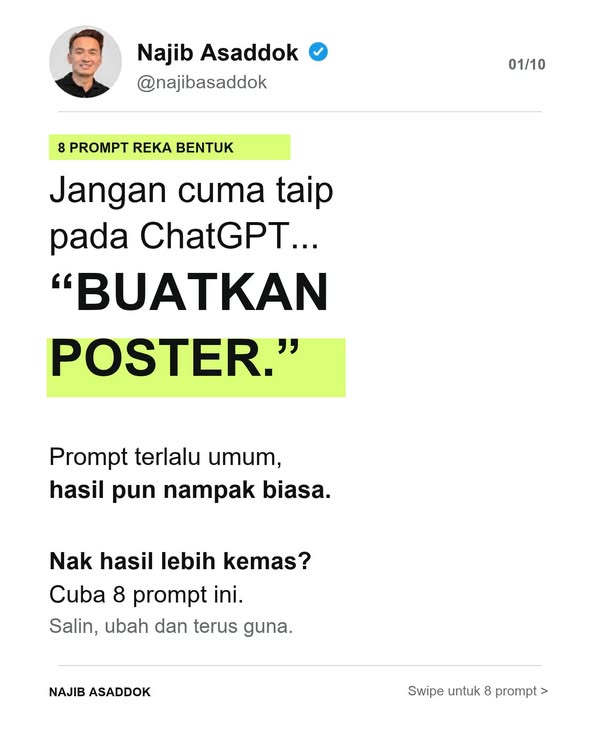
The original Facebook post covers eight uses you can choose from, covering products, promotions, shops, social media, events, e-commerce, food menus and services. A menu might need a price for each dish. An event poster needs a clear date and venue. Pick the format that fits your purpose and fill in the details your customers need.